Even When Each Screen Looks Polished, the Connections and the State Changes Drop Out
I check AI-written code by deploying it to a near-production environment. I use not only E2E tests (end-to-end tests: tests that run the whole app in a flow close to real use) but also have Codex (an AI that can write code and operate an app) actually operate the app. What gets missed most is not code quality. It is processing along a time axis that documentation does not capture. State management, screen transitions, and the moves where, given the original purpose, a human would obviously do it this way. These can be prevented by writing them down.
What "it looked good" misses
The other day, a post like this was spreading on X. "It looked good to me." The five most dangerous words in the age of AI-generated code, it said (the post). It also said that just because it looks right does not mean it is ready to ship.
Things that look tidy are easy to feel reassured by. When you look at a single screen on its own, it often looks polished.
What happens between screens does not remain unless you write it down
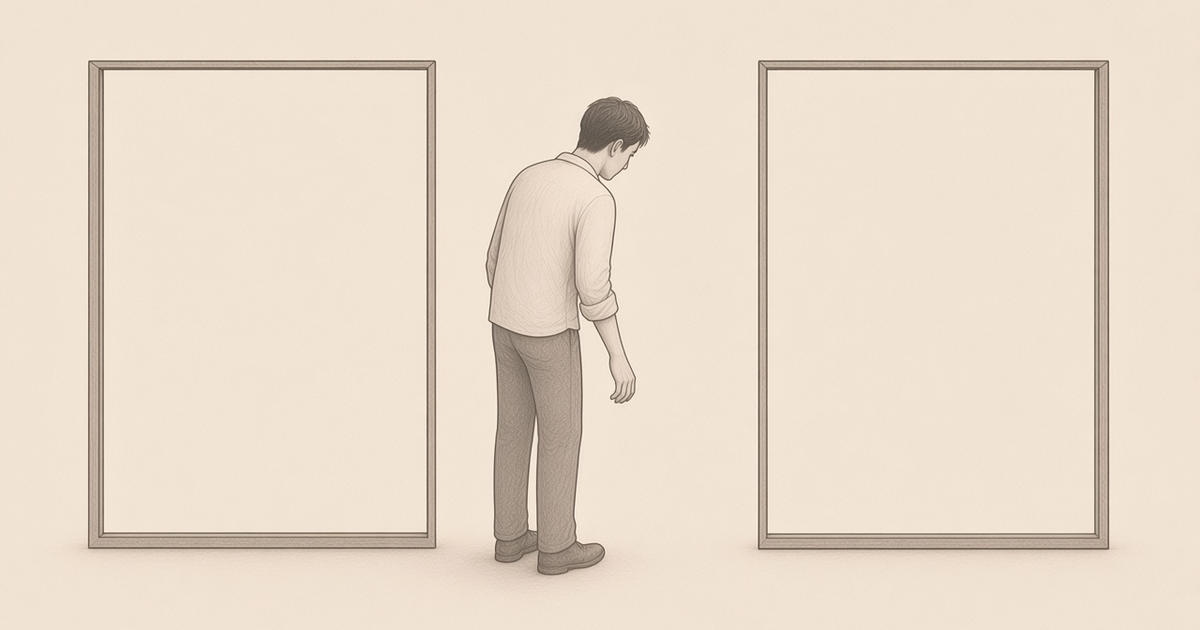
That is what I find dangerous. Each screen is in order, but the connections between screens and the changes in state drop out of the design. Then AI fills those holes by guessing.
This can be prevented by writing it down. The problem is that once UI (the screens a user touches) design moved to Claude Design or Figma, screen transition diagrams (diagrams of which screen leads to which) tend to get omitted. Claude Design is a way of making screen designs and the like by talking with an AI, and Figma is a tool for making screen designs. The work of polishing screens one by one moves along easily. But how you go from one screen to the next, and how state changes along the way, does not remain unless you write it down separately.
In an earlier post, Even in the AI Era, Don't Pay 100% of the Cost for the Last 1%, I wrote that adding more tests and making things heavier gives you the feeling that you are doing things properly. Even if you follow the flow with E2E tests, processing along a time axis that was never written down in the documentation is easy to miss. If you stop at "it looks fine," that is where it drops out.
If you write it down, you do not have to fill the gaps by guessing
That is why I deploy to a near-production environment and look not only at tests but also by actually operating the app. Having Codex operate it is for the same reason. I want to catch the movement in between, which you cannot see from how polished a single screen is.
The reason "it looked good" is the most dangerous is not about appearances. It is that you start to feel as if someone had already thought through the gaps you never wrote down. If you write down the screen transitions and the processing along the time axis, you do not have to fill them in by guessing.